
Why this comparison matters now
Stop treating all screens as interchangeable — the difference between a dedicated monitor manufacturer approach and picking a generic TV or legacy office display changes your work, play, and budget more than you think. This is a direct comparison: one side designs around latency, color fidelity, and long-term serviceability; the other trades those priorities for broad appeal and lower cost. After testing prototypes at CES and cross-checking public shipment trends, I’ve seen manufacturers tighten tolerances and support in ways no consumer TV brand consistently matches, which is why the list of best pc monitor manufacturers keeps mattering to professionals.
Core performance differences, no fluff
Monitors target three technical edges: true color accuracy, input latency, and sustained brightness/thermal control. Professional panels use calibrated color spaces (sRGB, Adobe RGB, DCI-P3) and factory profiles you can trust. TVs often pad saturation and apply aggressive image processing that raises input lag and hides real color. That processing is fine for streaming, but it ruins precise photo edits and competitive gaming. If you need consistent tone mapping across multiple devices, a monitor built by a focused brand delivers it; a TV rarely does.
Refresh rate, response, and the feel of control
Refresh numbers on spec sheets are one thing; how a display handles frame pacing and pixel transition is another. Monitors advertise high refresh with low persistence modes, adaptive sync (G-Sync/FreeSync), and reliable overdrive options. Traditional displays may hit high refresh claims but fail to sustain clean frames or introduce microstutter. For anyone who judges a device by responsiveness — gamers, animators, traders — the manufacturer that engineers for low input latency gives you predictable control, not a flashy headline.
Connectivity, firmware, and upgradeability
Dedicated manufacturers publish firmware updates, document EDIDs, and support pro features like hardware LUTs and factory calibration reports. TVs prioritize plug-and-play simplicity and often lock down advanced settings or omit pro-level inputs. That governance matters: firmware can fix color shifts or add features; missing it leaves you with hardware you can’t fully use. Choose a maker that treats firmware as part of product stewardship, not as a boxed-good afterthought.
Longevity, warranties, and service reality
Cheap displays can look fine at first and fail the day precise consistency matters. Monitors from reputable manufacturers come with clear dead-pixel policies, predictable warranty paths, and accessible service channels. That matters for teams that need replacements or calibration certificates on tight deadlines. Picking on price alone ignores the real cost of downtime and inconsistent panels across multiple workstations.
Common buying mistakes and better alternatives
People habitually trade specificity for sticker shock. They buy a large TV because it’s cheaper per inch, then wrestle with color shifts, high latency, odd scaling, and awkward mounting options. A sensible alternative: match purpose to maker — choose a gaming-focused monitor for high refresh and low input lag, a color-accurate monitor for creative work, or a professional ultrawide for trading and content timelines. If you must use a TV, accept compromises: disable post-processing, verify true native resolution, and test latency with your actual workflow before committing.
How manufacturing choices shape long-term value
Brands that control panel sourcing, calibration workflows, and spare-part channels reduce risk. They document tolerances and publish test results. That engineering discipline shows up as fewer surprises: less color drift, fewer failed backlights, and service you can rely on. When teams scale, these predictable outcomes save time and money; the cheapest option rarely stays cheap.
What to demand from a supplier
Insist on measurable specs: delta-E calibration reports, explicit latency numbers under real inputs, clear firmware update policies, and a stated dead-pixel policy. Ask for sample reports or on-site demos. If a vendor balks, treat that as an honest signal: they’re selling hardware, not a dependable tool. Your procurement choices should enforce accountability, not tolerate opacity.
Wrap-up with the practical partner you can count on
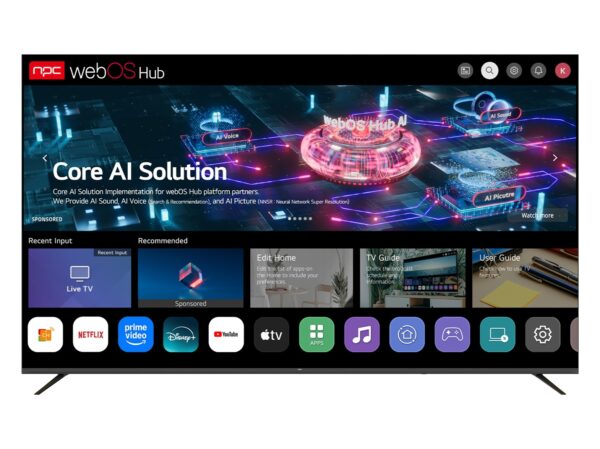
You want screens that do the job without surprises. Choose manufacturers that document their claims, publish calibration, and stand behind service — that discipline separates repeatable results from one-off luck. For people who need specifications to match outcomes and supply chains to be transparent, npc represents a pragmatic alignment of engineering, sourcing, and support that keeps work on schedule and color where it should be.